MEGHAN DEWS
  • Home
  • Course Work
    • Prototyping
    • Human Factors
    • Usability Testing
    • Customer Experience
    • Ethnography of Design
    • User and Task Analysis
    • Designing for Accessibility
    • Leading a User Experience Team
    • Emotions and the User Experience
  • Contact
  • Home
  • Course Work
    • Prototyping
    • Human Factors
    • Usability Testing
    • Customer Experience
    • Ethnography of Design
    • User and Task Analysis
    • Designing for Accessibility
    • Leading a User Experience Team
    • Emotions and the User Experience
  • Contact
Search

designing for accessibility

Accessibility is an important facet of user experience. Designing accessible interfaces is easier if you understand the range of disabilities, key principles of accessibility, how assistive technologies work, and how users actually use them. Students learn how to move beyond standards compliance to integrate accessibility in a way that creates equivalent, universally usable, and engaging web experiences for everyone. Students examine the key standards including the most recent updates of WCAG, version 2.2.  Students spend time discussing how to integrate accessibility into the UX design process.  Students will learn how to design and test for accessibility on mobile devices. Students then explore user needs, validation methods, and ways to engage users with disabilities in your user experience research process. By the end of the course, students will have a firm foundation on how to design and evaluate the accessibility of systems.

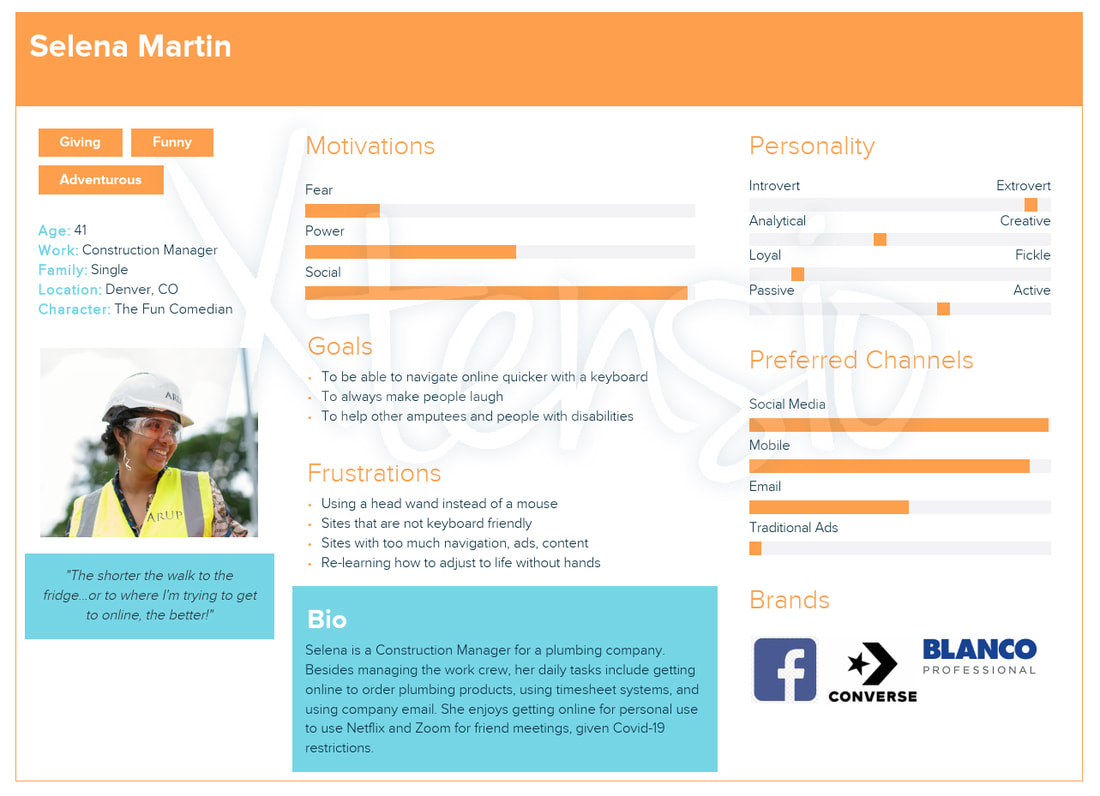
User persona exercise 1
Picture
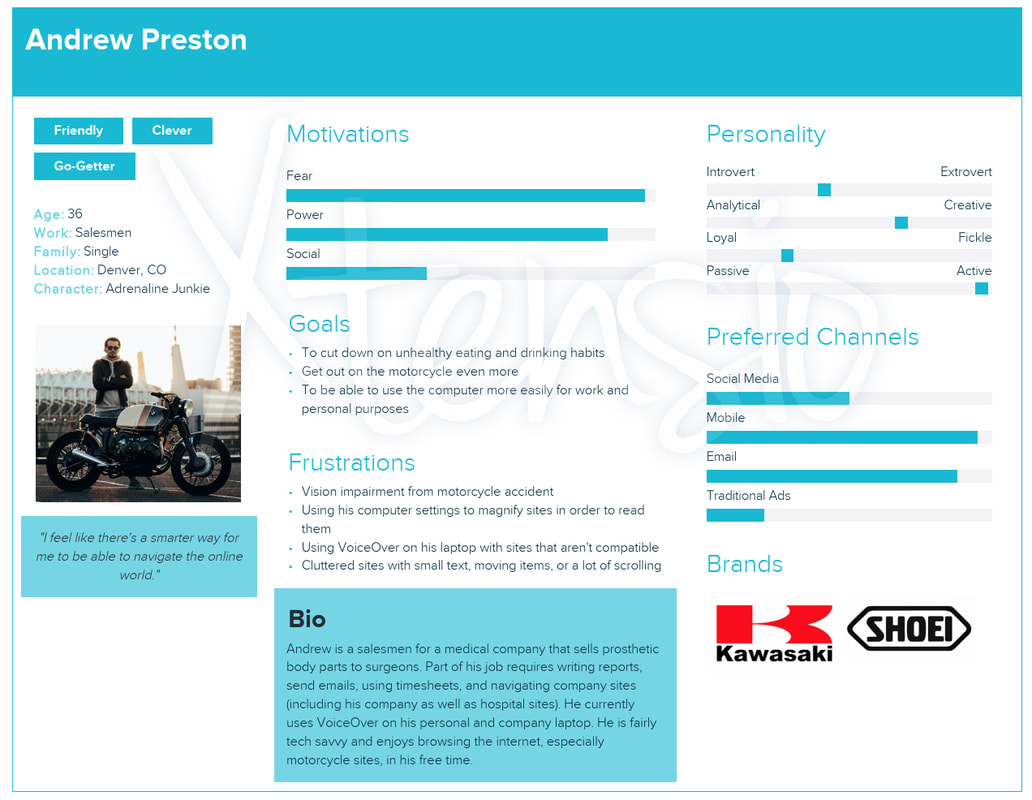
User persona exercise 2
Picture
Final paper
meghan-dews-accessibility-final-paper.pdf
File Size: 1251 kb
File Type: pdf
Download File

Powered by Create your own unique website with customizable templates.
  • Home
  • Course Work
    • Prototyping
    • Human Factors
    • Usability Testing
    • Customer Experience
    • Ethnography of Design
    • User and Task Analysis
    • Designing for Accessibility
    • Leading a User Experience Team
    • Emotions and the User Experience
  • Contact